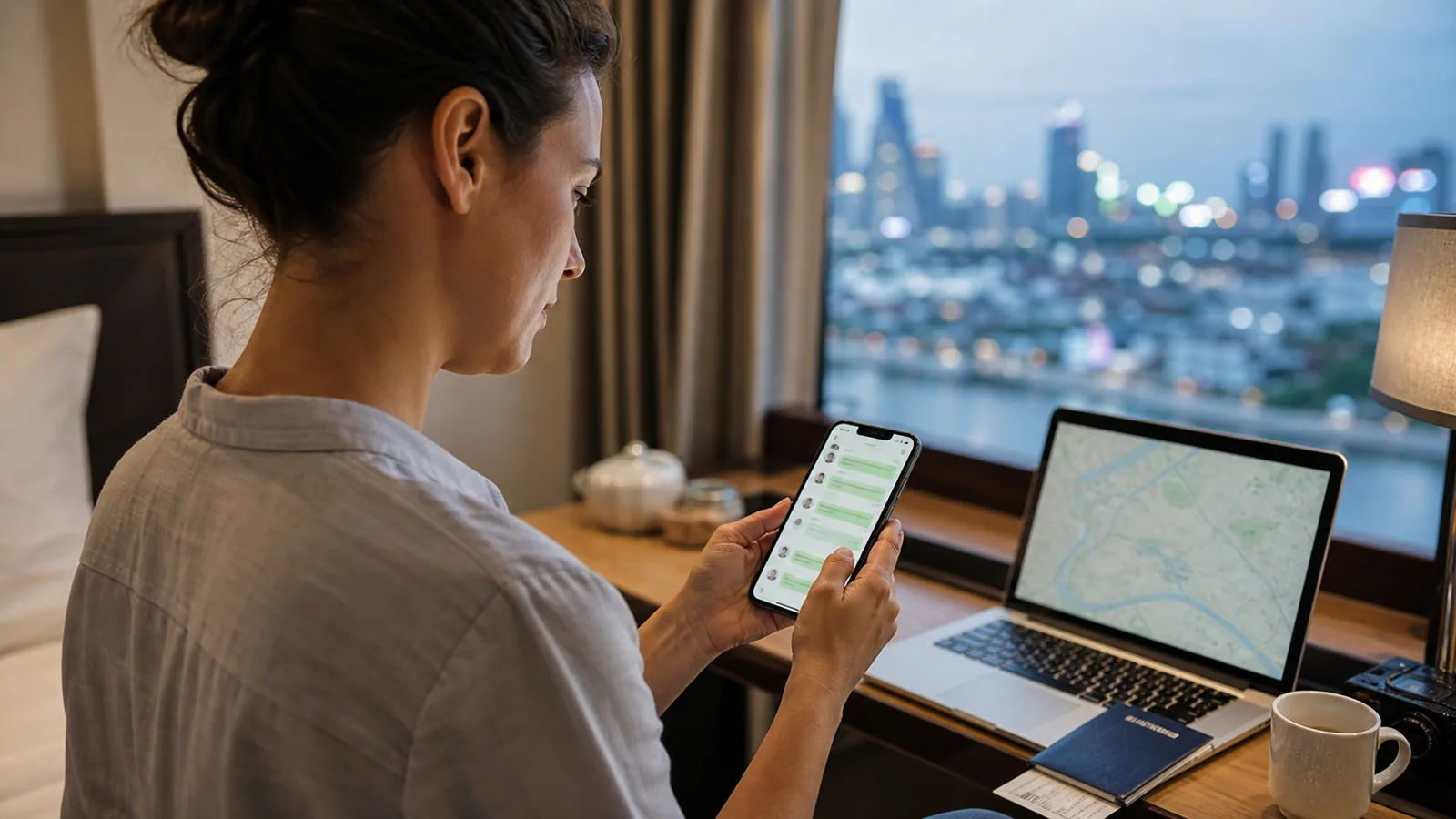
International roaming and travel eSIMs can route data differently, but “China coverage” alone does not guarantee WhatsApp access. Ask the provider about the exact plan and keep offline contact details in case the connection does not work as expected.
On ordinary mainland China mobile data, a local Chinese SIM, and hotel or public Wi-Fi, WhatsApp is generally unavailable or unreliable. Messages may not send, and voice or video calls may not connect.
This guide covers mainland China. Network conditions in Hong Kong and Macao are different and should be checked separately for your itinerary.
A local Chinese SIM normally uses mainland network access, so buying a local number does not by itself make WhatsApp available. Some international roaming and travel eSIM plans route data outside mainland China, while others do not.
Before paying, ask the provider one precise question: “Will WhatsApp messages, voice calls and video calls work in mainland China on this exact plan?” Save the reply and the provider’s support channel. Do not treat a general “China coverage” label as a promise that every app will work.
Complete the setup while you still have familiar internet access:
- Install or update WhatsApp and your phone software from official app stores
- Verify your usual number and sign in before departure; do not plan on downloading the app or receiving a verification SMS after arrival
- Back up any chat history you need before changing SIM, eSIM or phone settings
- If you use a travel eSIM, install and activate it at the time specified by the provider for the exact plan
- Download offline maps and translation tools, then save important phone numbers, hotel addresses, pickup details and booking references offline
- Agree on a backup channel and a check-in time with family or colleagues
- Keep a support method that does not depend on WhatsApp, such as the provider’s email or website
WeChat is the most common everyday communication app in China. It is useful for messaging hotels, local guides and other China-based contacts, receiving pickup changes, joining trip groups and sharing locations.
Install it before departure and, if possible, add at least one important local contact in advance. Keep WhatsApp for overseas contacts when your connection supports it, but do not make either app your only communication route.
First confirm that the data line itself is active and follow the roaming or activation instructions supplied with your exact plan. Test functions in stages: send a text, photo or file, play and send a voice message, then place a brief voice call and video call. One successful function does not prove that every WhatsApp feature is available. If the provider explicitly confirmed support and a test still fails, use the saved support channel.
For time-sensitive needs, switch to your agreed fallback: WeChat for local contacts, a normal phone call or SMS where available, email, or the offline hotel and booking details saved on your device.
Mainland access is checked against government travel guidance and live reachability measurements. Roaming and eSIM routing remain provider- and plan-specific, so confirm the exact service before departure.
Source and review
Last reviewed:
A China-based planner reads every request.