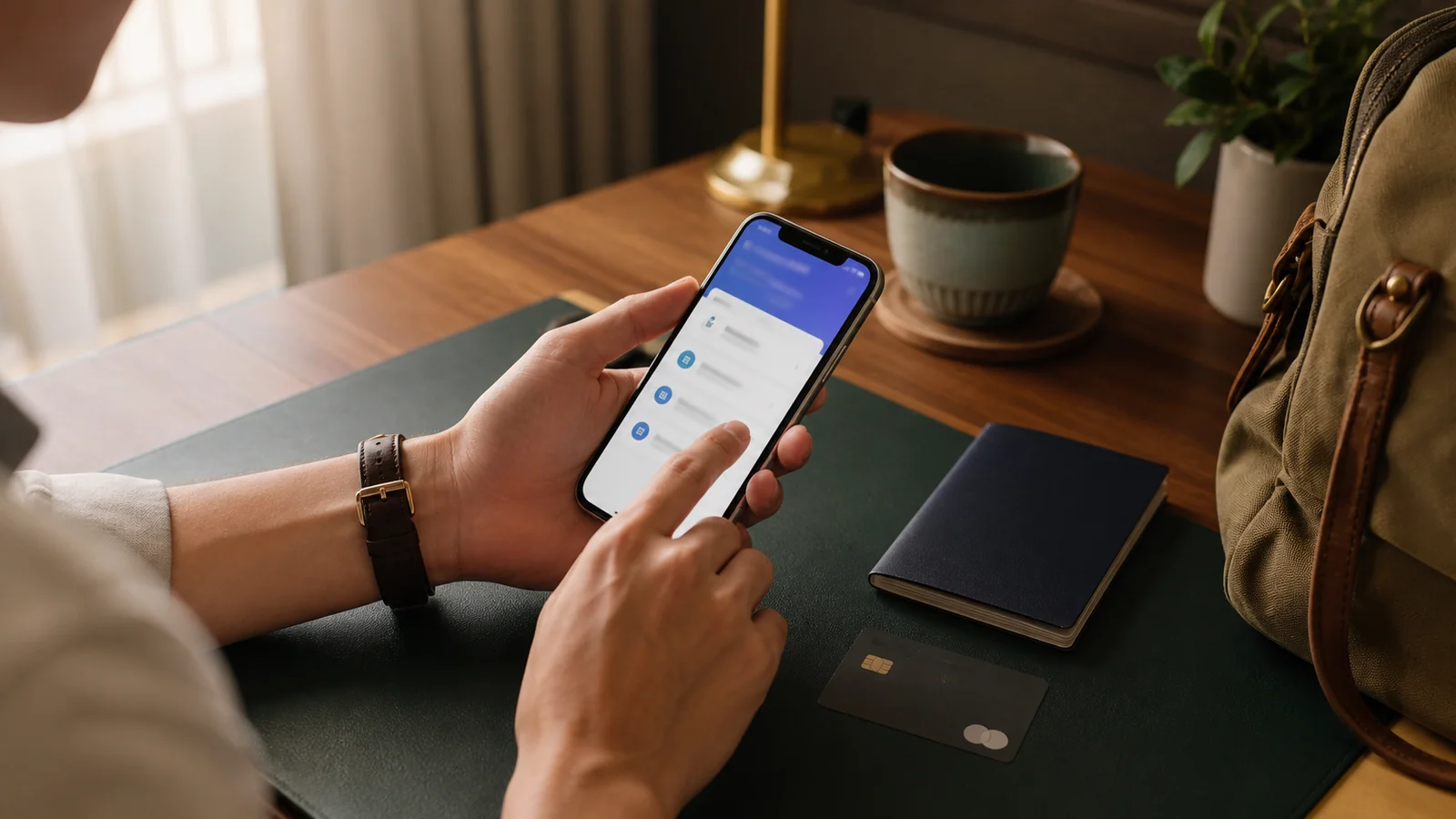
No separate international app or traveler-specific app is normally needed for this setup path. Download the official Alipay app from your phone’s official app store and register with a phone number you can keep using during the trip. Screens and available functions may differ by account region, phone region, and app version, so follow the prompts shown in your own account.
Install Alipay from your phone’s official app store. Register with a mobile number you can still access during the trip, then complete the verification prompts shown in the app.
- Download the official Alipay app.
- Choose your international dialing code and enter your phone number.
- Enter the verification code and complete the requested account details.
- Turn on a secure passcode or biometric unlock.
Use your current passport and enter your name exactly as it appears on the document. A mismatch in spelling or name order can delay verification.
Open the card area in Alipay and follow the current prompts. Official 2025 guidance says overseas-issued cards carrying Visa, Mastercard, UnionPay, American Express, JCB, Diners Club, or Discover can be linked. Binding still requires authorization from the card issuer, and availability can vary by account, issuer, network, and transaction.
- Enter the card details requested in the app.
- Complete any verification requested by your card issuer.
- Check that the card appears as an available payment method.
- Keep a second payment method ready until a real purchase succeeds.
Follow the current Alipay prompts to create the payment password or other security credential requested for your account. Do not reuse a banking password, disclose verification codes, or let another person complete identity checks for you.
A linked-card payment can have three separate cost layers: the Alipay mobile-payment service fee shown at checkout; the card network’s currency conversion and exchange rate; and any foreign-transaction or similar fee that the card issuer may charge under its terms. The published figures below apply to mobile payments funded by a linked international card. They are current published guidance and ceilings, not a promise that an issuer or merchant channel will approve a transaction.
| Situation | Published guidance | Traveler action |
|---|---|---|
| Purchase up to RMB 200 | No additional mobile-payment service fee is generally stated | Check the live checkout screen |
| Purchase above RMB 200 | 3% service fee is currently stated | Review the fee and card exchange rate before confirming |
| Single transaction | USD 5,000 published limit | Treat it as a ceiling, not guaranteed approval |
| Annual cumulative transactions | USD 50,000 published limit | Monitor the wallet and card-issuer records |
Confirm that you can open the app, receive verification messages, and unlock your payment screen. If your location and the app allow a small legitimate transaction, use it as a setup check—not as proof that every merchant will accept the card.
- Passport verification shows as complete
- Your phone number remains reachable abroad
- The linked card is enabled for international transactions
- A physical card and some RMB are packed as backup
Travelers commonly use Alipay at restaurants, convenience stores, shops, attractions, taxis, ride-hailing services, and some public transport. The available menu names and services may differ by app version and location.
Human-reviewed by Local Lens China’s China-based editorial team against current official payment guidance.
Source and review
Last reviewed:
A China-based planner reads every request.